



PDF Compressor
Compress, optimize, and reduce PDF file size without uploading anything to a server. Your contracts, medical records, and financial statements never leave your browser — there's no server queue, no cookie banner, and nothing for us to log or leak. Just drop in a file and download an optimized, smaller one.
Settings
JPEG quality applied to each embedded image. 70 is a good balance for most documents.
Downsamples oversized scans. 1800px ≈ 200 DPI on US Letter — readable on screen and in print.
0 files
All processing happens locally in your browser. Your PDFs are never uploaded.
Benefits
Why optimize your PDFs
A typical scanned or image-heavy PDF carries 80%+ of its weight in raster data that could be a fraction of the size with no visible loss. PDF optimization pays off everywhere the file goes.
Fits email attachment limits
Gmail caps at 25 MB, Outlook at 20 MB, most corporate filters at 10 MB. Compressing a marketing PDF or scanned contract under those thresholds turns a bounced email into one that lands.
Faster portal uploads
Job applications, government forms, insurance claims, legal e-filing — every portal has tight size limits and notoriously slow uploaders. A 10× smaller file uploads roughly 10× faster, with fewer timeouts and retries.
Lower cloud storage costs
If you keep PDFs in Google Drive, Dropbox, S3, or a CMS, every megabyte costs money over time. A document library compressed by 50–95% pays for itself in storage and egress fees within a quarter.
Better on mobile and slow connections
PDFs viewed on phones over cellular load slowly and often time out at 20+ MB. Compressed files open instantly on the same connection — important when sharing brochures, decks, or forms with clients on the move.
Faster previews and downloads
Slack, Drive, Dropbox, and Notion all generate inline previews that scale with file size. Smaller PDFs render thumbnails sooner and let recipients open the actual file without waiting on a download bar.
Looks the same to readers
Page layout, fonts, hyperlinks, selectable text, and vector graphics are untouched. Only the embedded photos and scans get re-encoded, at a quality level you control — typically indistinguishable from the original at normal viewing zoom.
Cleaner archive and backup
If you keep records for compliance or audit, a multi-gigabyte folder of receipts and scans turns into something you can actually back up offline. Smaller files also restore faster after a drive failure or migration.
Stays on your machine
Because compression runs in your browser, contracts, medical records, and financial statements never leave your device. Useful when corporate policy or simple common sense rules out uploading sensitive PDFs to a random web tool.
No daily caps or watermarks
Compress one file or a hundred. There's no signup, no daily quota, no "upgrade to remove watermark" pop-up. The whole tool runs on your hardware, so there's nothing to ration.
Understand
What this compressor does
A typical PDF carries 80%+ of its weight in embedded photos and scans. We use pdf-lib to walk the document, find every JPEG-encoded image, decode it with the browser's native JPEG decoder, optionally downsample it, then re-encode with MozJPEG at your chosen quality. The result replaces the original image stream — page layout, fonts, vector graphics, and selectable text are untouched.
Because everything runs locally, contracts, medical scans, and financial statements stay on your device. There's no upload, no rate limit, and no server queue. The trade-off: this optimization approach won't shrink text-only PDFs much — for those, the bytes live in fonts and content streams that need a different toolchain. We're transparent about per-file results, and if a PDF is already fully optimized we keep the original — you'll never get back a file bigger than the one you dropped in.
FAQ
Frequently asked questions
How does this tool reduce PDF file size?
It finds the images embedded in the PDF, re-encodes them with MozJPEG at your chosen quality, and downsamples oversized scans. Page layout, fonts, selectable text, and vector graphics are untouched.
Is it safe for confidential documents?
Yes. Compression runs entirely in your browser — contracts, medical records, and financial statements are never uploaded to a server, so there's nothing for anyone to log or leak.
Why didn't my PDF get smaller?
Text-only PDFs carry their weight in fonts and content streams rather than images, so there's little to recompress. When that happens the tool keeps your original file — you never get back a bigger PDF than the one you dropped in.
How do I compress a PDF to a specific size, like 1 MB?
Lower the image quality slider and the max image dimension until the output reaches your target. Quality 50–60 with a 1200 px max dimension usually shrinks scanned documents dramatically while staying readable.
Is there a file size limit or daily cap?
Files up to 100 MB each, with no daily caps, watermarks, or signup. The tool runs on your hardware, so there's nothing to ration.
Will the compressed PDF look different?
At the default quality of 70, the difference is usually invisible at normal viewing zoom. Only embedded photos and scans are re-encoded — text, fonts, and layout are preserved exactly.
Tools
More marketing tools
Tools and content carefully crafted by Hire Digital especially for you
Marketing
PDF Merger
Merge and combine multiple PDF files into one document, right in your browser. Reorder files before merging — lossless quality, no upload, no signup, no watermarks.
Marketing
Image Compressor
Compress and optimize JPG, PNG, and WebP images right in your browser using MozJPEG, libwebp, and OxiPNG. Reduce image file size without losing quality — no upload, no server.
Design
QR Code Generator
Generate clean, scannable SVG QR codes from any URL or text. Add a logo, customize colors, eyes, and module shape, then download as SVG or PNG.
SEO
Rich Results Preview & Schema Validator
Paste JSON-LD or page HTML and see live SERP rich-result previews for Article, Product, FAQ, Recipe, Event, Video, JobPosting, and more — with full Schema.org validation.
SEO
llms.txt Generator
Generate an llms.txt file for your site — the Markdown index that tells ChatGPT, Claude, and Perplexity what your pages are. Crawls your sitemap and builds a clean index from your real page metadata.
SEO
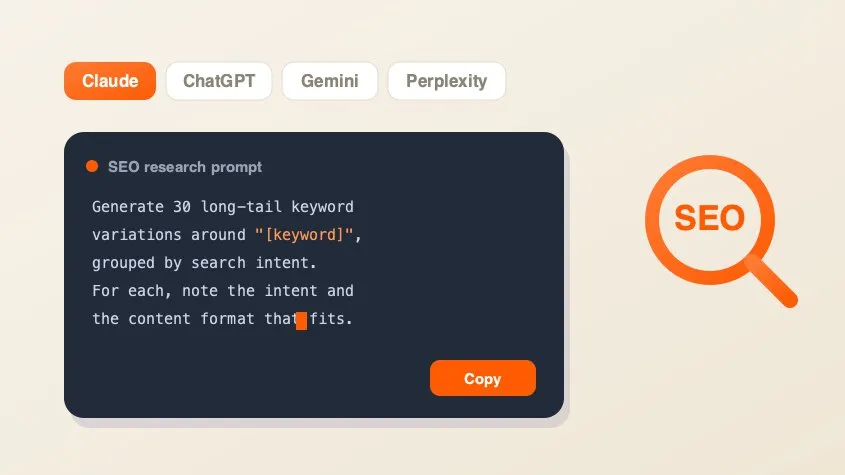
SEO AI Prompt Cheatsheet
A free library of copy-paste AI prompts for SEO research — keyword research, search intent, content briefs, competitor gaps, and metadata. Tailored for Claude, ChatGPT, Gemini, Perplexity, or Grok and filled with your keyword.
Marketing
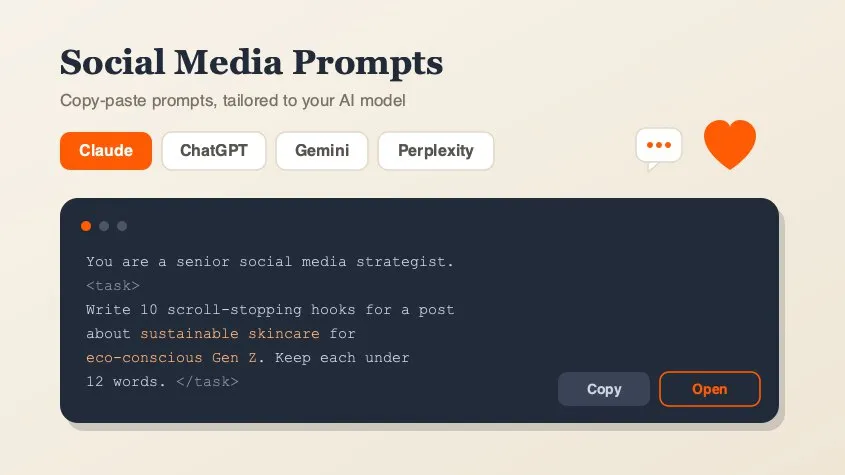
Social Media Marketing Prompt Generator
A free library of copy-paste AI prompts for social media marketing — post ideas, hooks, captions, hashtags, platform playbooks, content calendars, ad copy, analytics, and workflow loops. Tailored for Claude, ChatGPT, Gemini, Perplexity, or Grok and filled with your topic. Open any prompt in your AI tool in one click.
Design
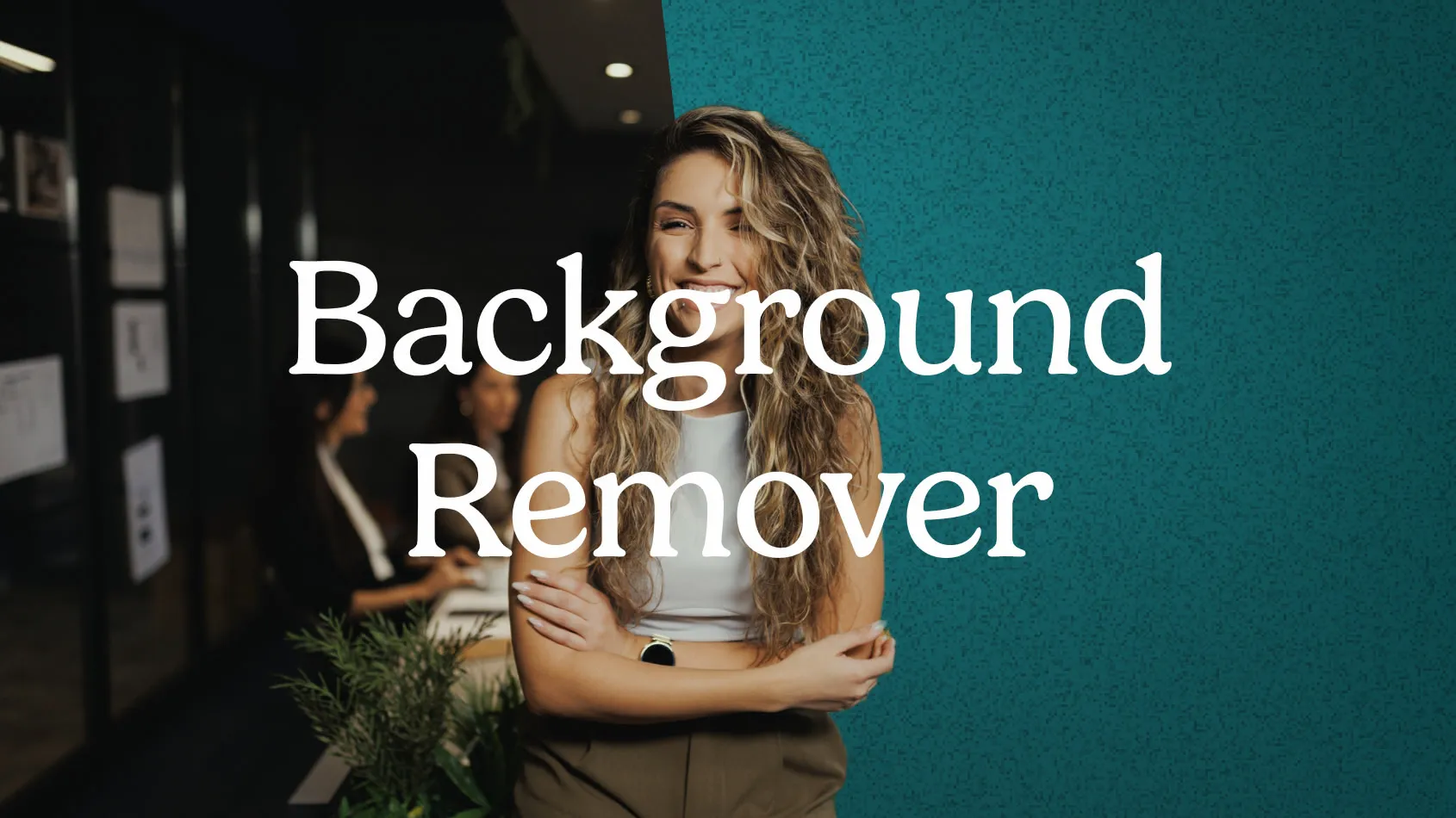
Background Remover
Remove backgrounds from photos using an on-device AI model. Drop in a JPG, PNG, or WebP and get a transparent cutout in seconds. Nothing is uploaded.